PowerShell DSC and Azure Policy Guest Configuration · CloudEngineerHub
PowerShell12 min read4 views
PowerShell DSC and Azure Policy Guest Configuration
Package PowerShell DSC into Azure Policy Guest Configuration: custom audit and remediation packages, compliance reporting, and hybrid coverage via Azure Arc-connected servers.
C
CloudEngineerHub Team
Published: July 26, 2026· Last Updated: September 24, 2026·12 min read
PowerShell DSC and Azure Policy Guest Configuration
Configuration drift is the quiet enemy of every Windows estate: someone adds an SMB share on a domain controller, a hardening baseline gets skipped during a rushed build, a service that compliance requires gets disabled "temporarily." PowerShell Desired State Configuration (DSC) gives you the declarative model, and Azure Policy Guest Configuration gives you the fleet-scale enforcement and evidence layer on top — including machines outside Azure through Azure Arc. Together they turn "we think our servers are hardened" into a queryable compliance report your auditor can read.
Visual Walkthrough
How a policy definition becomes a deny, an audit trail, and a fix task.
C
CloudEngineerHub Team
Author
The CloudEngineerHub editorial team — Microsoft endpoint management and cloud engineers writing hands-on guides on Intune, Azure, Entra ID, Autopilot, Defender and PowerShell. Every article is reviewed against current Microsoft documentation.
Related definitions group into an initiative for assignment.
assign
3
Assignment at scope
Assigned at MG or subscription; exemptions documented.
evaluate
4
Compliance evaluated
Resources scanned; state lands in compliance dashboard.
remediate
5
Remediation task
deployIfNotExists/modify fixes existing resources at scale.
6
Re-evaluation cycle
Continuous loop keeps new and existing resources aligned.
Continuous cycle
Azure Policy — Definition to Remediation Loop. 1. Definition authored: Effect set: deny, audit, append, deployIfNotExists, modify. — 2. Initiative bundles: Related definitions group into an initiative for assignment. — 3. Assignment at scope: Assigned at MG or subscription; exemptions documented. — 4. Compliance evaluated: Resources scanned; state lands in compliance dashboard. — 5. Remediation task: deployIfNotExists/modify fixes existing resources at scale. — 6. Re-evaluation cycle: Continuous loop keeps new and existing resources aligned.
Prerequisites
Windows PowerShell 5.1 or PowerShell 7.x on your build machine, with the PSDscResources module.
The GuestConfiguration PowerShell module from the PowerShell Gallery: Install-Module GuestConfiguration.
An Azure subscription with Resource Policy Contributor (to create policy definitions) and Owner or Contributor + Policy write to assign them.
For Arc coverage: servers onboarded with the Connected Machine agent (azcmagent connect).
Azure Blob Storage for hosting package content (or a private endpoint to it).
How It Works
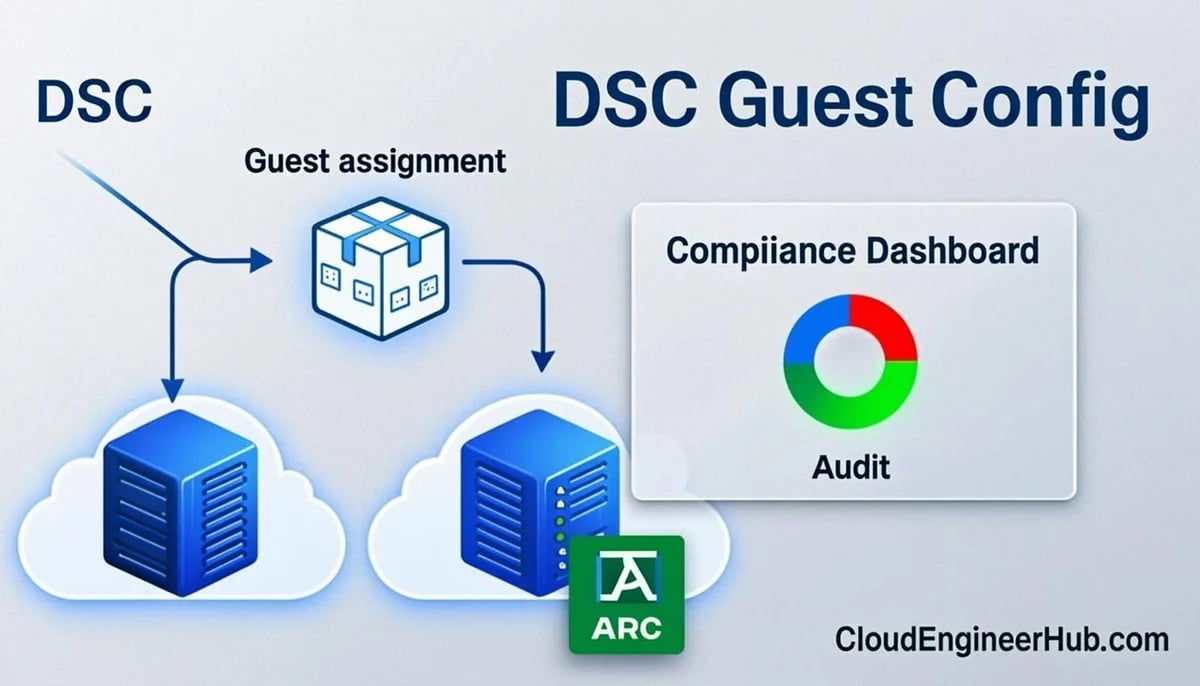
DSC is declarative: you write a configuration in PowerShell, the engine compiles it to a MOF file, and the Local Configuration Manager (LCM) on each node applies and (optionally) corrects drift. Guest Configuration is Azure Policy's extension of that idea: the Guest Configuration agent (built into the Azure VM agent and the Arc Connected Machine agent) downloads a signed guest assignment package and reports compliance back to Azure Policy as an AuditIfNotExists/DeployIfNotExists evaluation. Two operating modes exist:
Audit — checks a condition on the machine and reports compliant/non-compliant. No changes made.
ApplyAndMonitor / remediation — the policy's remediation task applies the package, and the agent corrects drift on its evaluation cycle.
The crucial design decision: use classic DSC (LCM pull, ApplyAndAutoCorrect) for fast-changing state inside your datacenter, and Guest Configuration for organization-wide compliance evidence governed by policy — including hybrid and multi-cloud machines via Arc. They complement each other; they do not compete.
Step-by-Step Implementation
1. Author a classic DSC configuration
Start with the baseline you actually care about. Here is a hardened-service baseline using only inbox resources:
PowerShell
1
2
3
4
5
6
7
8
9
10
11
12
13
14
15
16
17
18
19
20
# Compile a server baseline configuration to MOF
Configuration ServerBaseline {
    Import-DscResource -ModuleName PSDscResources
    Node $AllNodes.NodeName {
        WindowsFeature TelnetClient { Ensure = 'Absent'; Name = 'Telnet-Client' }
        Service W32Time {
            Name       = 'W32Time'
            StartupType= 'Automatic'
            State      = 'Running'
        }
        Registry EnableLsaProtection {
            Key   = 'HKLM:\SYSTEM\CurrentControlSet\Control\Lsa'
            ValueName = 'RunAsPPL'
            ValueData = '1'
            ValueType = 'Dword'
            Ensure  = 'Present'
        }
    }
}
$cfg = ServerBaseline -OutputPath C:\DSC\mof
3. Package it as a Guest Configuration audit package
PowerShell
1
2
3
4
5
6
7
8
9
10
# Requires: Install-Module GuestConfiguration
New-GuestConfigurationPackage `
-Name'ServerBaseline-Audit' `
-Configuration'C:\DSC\mof\localhost.mof' `
-Type Audit `
-Force# Expected output: package created at .\ServerBaseline-Audit\ with .zip content# Local test before upload:
Get-GuestConfigurationPackageComplianceStatus -Path'.\ServerBaseline-Audit'# Expected output: compliance result per machine context (Compliant/NonCompliant)
4. Upload the package to Blob Storage
Upload the generated .zip to a storage account blob container. Production should serve it over HTTPS with access controls — a container behind a private endpoint or a long-lived account SAS restricted to your policy scope. Note the full content URL; the policy definition embeds it.
5. Generate and publish the policy definition
PowerShell
1
2
3
4
5
6
7
8
9
10
11
12
13
14
15
16
# Build a policy definition JSON from the package
New-GuestConfigurationPolicy `
-PolicyId ([guid]::NewGuid().ToString()) `
-ContentUri'https://stgcmpkgs.blob.core.windows.net/packages/ServerBaseline-Audit.zip' `
-DisplayName'Audit: Windows Server baseline (Telnet, W32Time, LSA PPL)' `
-Description'Custom guest configuration audit for corporate Windows baseline.' `
-Platform'Windows' `
-Path'C:\DSC\policy'# Expected output: policy definition JSON files written to C:\DSC\policy# Register it in Azure and assign at management-group scope$def = New-AzPolicyDefinition -Name'gc-server-baseline' `
-Policy'C:\DSC\policy\auditPolicy.json' `
-ManagementGroupName'mg-corp-root'
New-AzPolicyAssignment -Name'gc-server-baseline-assign' `
-PolicyDefinition$def -Scope'/providers/Microsoft.Management/managementGroups/mg-corp-root'
6. Read compliance at scale
PowerShell
1
2
3
4
5
6
7
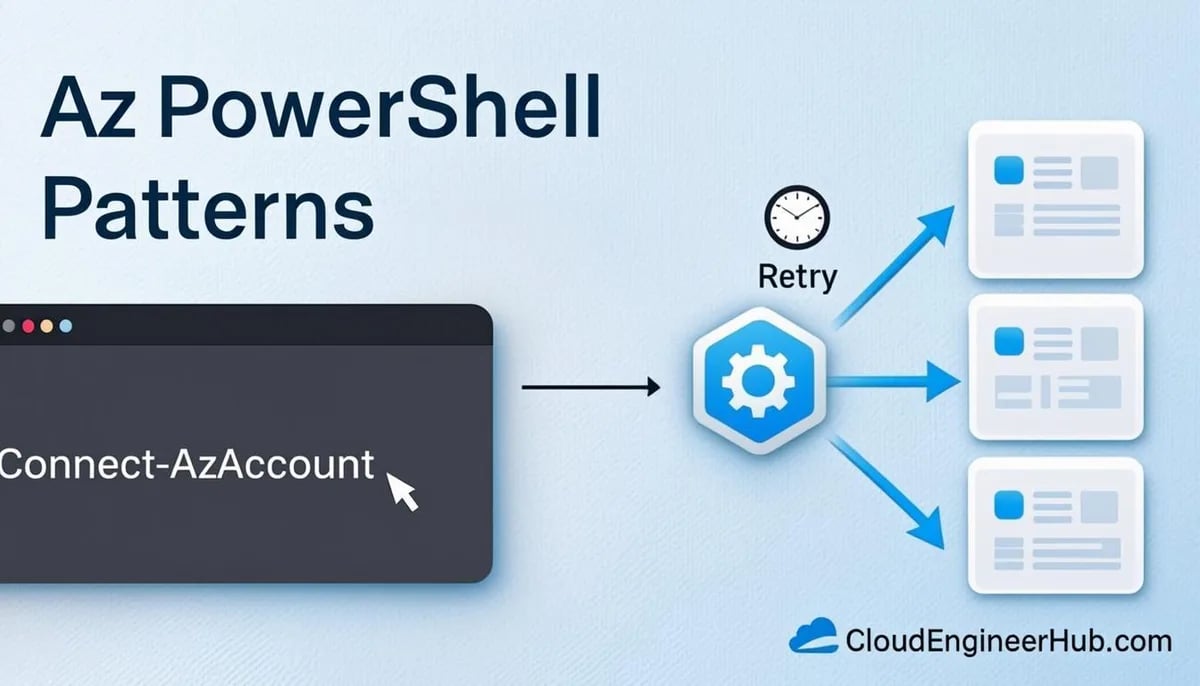
Connect-AzAccount
# Compliance of the custom initiative across the tenant
Get-AzPolicyState -ManagementGroupName'mg-corp-root' `
-PolicyDefinitionName'gc-server-baseline' |
Select-Object ResourceId, ComplianceState, Timestamp |
Where-Object ComplianceState -eq'NonCompliant'# Expected output: one row per non-compliant VM/Arc server
Configuration Deep Dive
LCM settings matter even in the Guest Configuration world: if you also run classic DSC, keep ConfigurationMode = ApplyAndMonitor unless drift-correction loops are validated, and RebootNodeIfNeeded = $false for fleet safety. Reboots belong in maintenance windows, not compliance agents.
Package types: Audit reports only. AuditAndSet (created via the policy's deployIfNotExists template with remediation) applies the configuration when the remediation task runs — flip this on only after a full audit cycle proves the MOF is safe on every image in the estate.
Content URI security: the policy embeds a URL every machine will download. Prefer a private endpoint on the storage account over public SAS tokens; expiring SAS strings inside policy definitions have caused more than one "everyone is non-compliant" morning.
Windows vs Linux: the same flow works for Linux with PowerShell 7-based configurations and shell-script audits; keep separate packages per platform rather than one cross-platform package.
Built-in coverage first: before authoring custom packages, assign the built-in guest configuration initiatives (Azure Security Benchmark-related machine configuration initiatives, password policy, TLS settings). Custom work should fill genuine gaps, not re-invent what Microsoft maintains.
Real-World Enterprise Scenario
A financial-services firm with 1,400 Windows servers — 900 in Azure, 500 in colo datacenters — needed audit evidence for a PCI DSS control on local admin membership and a registry hardening set. Classic DSC pull servers covered the datacenter fleet, but auditors wanted policy-governed evidence including the Arc-connected machines. The team authored two custom guest configuration packages, assigned them at the root management group, and wired non-compliance into the existing ITSM: a weekly Logic App exported Get-AzPolicyState results and opened tickets per business unit. PCI evidence collection went from a two-week quarterly scramble to a scheduled export, and the Arc servers gained the same compliance SLA as cloud VMs with zero additional agents.
PowerShell for DSC and Guest Configuration
The operational script below is the monthly compliance export most enterprises need — policy state, summarized per resource group, with a machine-readable CSV for GRC tooling:
Pipeline streams objects one at a time — not arrays.
begin
2
Begin block
Setup runs once: connections, arrays, counters.
process
3
Process block per object
The per-item work — keep it cheap and pure.
end
4
End block
Flush output, dispose connections, final summary.
5
Output objects, not text
Downstream cmdlets keep working — Format-* only at the edge.
PowerShell Pipeline — Begin, Process, End. 1. Input arrives: Pipeline streams objects one at a time — not arrays. — 2. Begin block: Setup runs once: connections, arrays, counters. — 3. Process block per object: The per-item work — keep it cheap and pure. — 4. End block: Flush output, dispose connections, final summary. — 5. Output objects, not text: Downstream cmdlets keep working — Format-* only at the edge.
Common Errors
A MOF file with the same name already exists — recompiling a configuration into a used output path without -Force. Recompile with -OutputPath to a clean directory.
Import-DscResource : Module PSDscResources not found — missing module on the compile machine. Install-Module PSDscResources before compiling.
GuestConfiguration extension failed to download package — content URI unreachable from the machine (firewall, DNS, expired SAS). Validate the URL and network path; prefer private endpoints.
The policy definition references an invalid contentUri — URL must be https and point to the .zip directly. Re-run New-GuestConfigurationPolicy with the corrected URI.
WinRM client cannot process the request during local MOF application — DSC's local application requires an elevated session and WinRM available; run Start-DscConfiguration -Wait from an elevated PowerShell.
Best Practices
Audit everywhere first; enable remediation (AuditAndSet) only per resource group after validation.
Keep one small, focused MOF per control domain — giant monolithic baselines fail all-or-nothing.
Store packages in storage accounts behind private endpoints, never long-lived public SAS.
Version package names (ServerBaseline-Audit-2.1.0) so policy history is auditable.
Run Get-GuestConfigurationPackageComplianceStatus locally on a lab VM of every image before publishing.
Assign at management-group scope so new subscriptions inherit coverage automatically.
Export policy state to Log Analytics and alert on compliance regressions, not just current state.
Treat the LCM meta-configuration as code: deploy it with the same DSC pipeline as the baselines.
Security Considerations
Guest Configuration packages are executed with system privileges on every machine in scope — treat the package pipeline as tier-0 code. Sign your packages, restrict storage container access to the Guest Configuration service via private endpoints, and require pull requests from two reviewers on any MOF that reaches a policy assignment. For classic DSC pull, prefer certificate registration and encrypted MOFs; and remember that AuditAndSet remediation is effectively remote code deployment at fleet scale — put it behind the same change controls as any configuration management system. Finally, review what the compliance data itself reveals: policy state exports can map your whole estate, so keep them in access-controlled storage.
FAQ
Is DSC deprecated now that Guest Configuration exists?
No. Guest Configuration packages are built on DSC; classic LCM pull remains fully supported for active configuration management. Guest Configuration adds policy-governed auditing and hybrid coverage, not a replacement.
Can I use the same MOF for both LCM pull and Guest Configuration?
Often yes, but audit packages should avoid resources with side effects. Review each resource: Registry and WindowsFeature audit cleanly; anything that runs scripts must be non-mutating for audit-only packages.
How long until compliance reflects a fix?
Policy evaluation runs on a 24-hour cycle per resource. Use Start-AzPolicyComplianceScan to trigger evaluation sooner.
Do Linux servers need PowerShell?
Yes — machine configurations run PowerShell 7 on Linux, and shell-script-based custom audits are supported in the same package format.
What is the difference between guest assignment and policy assignment?
The policy assignment targets resources by scope and rules; the guest assignment is the machine-level object the GC agent executes. You manage the former; the system creates the latter.
Conclusion
PowerShell DSC gives you a precise, testable declarative model; Azure Policy Guest Configuration gives that model governance teeth across Azure and Arc-connected machines. The winning enterprise pattern is deliberate separation: LCM pull for active drift correction inside the datacenter, custom guest configuration packages for fleet-wide compliance evidence, and built-in initiatives for the 80% of hardening Microsoft already maintains. Start by assigning the built-ins at your root management group this week — the compliance report your next auditor asks for is already a Get-AzPolicyState query away.



Comments
0No comments yet — be the first to share your thoughts.